Archiving activities and the edit-lock rules
Goal
Understand when the system locks an activity's fields after registrations start arriving (to protect confirmed registrations and attendance records), and how finished activities are archived to keep their history instead of deleting it.
When do you need this?
- When you try to change Payment methods, the dates, the activity's location or the Schedule on an activity that has registrations, and find the field locked.
- At the end of a term or season, when you want old activities out of the daily work list without losing their data.
- When looking for a finished or closed activity to review its registrations or attendance.
Before you start
- Select the right school from the top-bar school switcher first.
- To see the Archived tab you need permission to view archived activities.
- Changing the dates or the location of an activity that has families actually registered requires the permission to edit dates and the schedule after registrations — without it, the dates, the location and the schedule stay read-only.
Where it lives
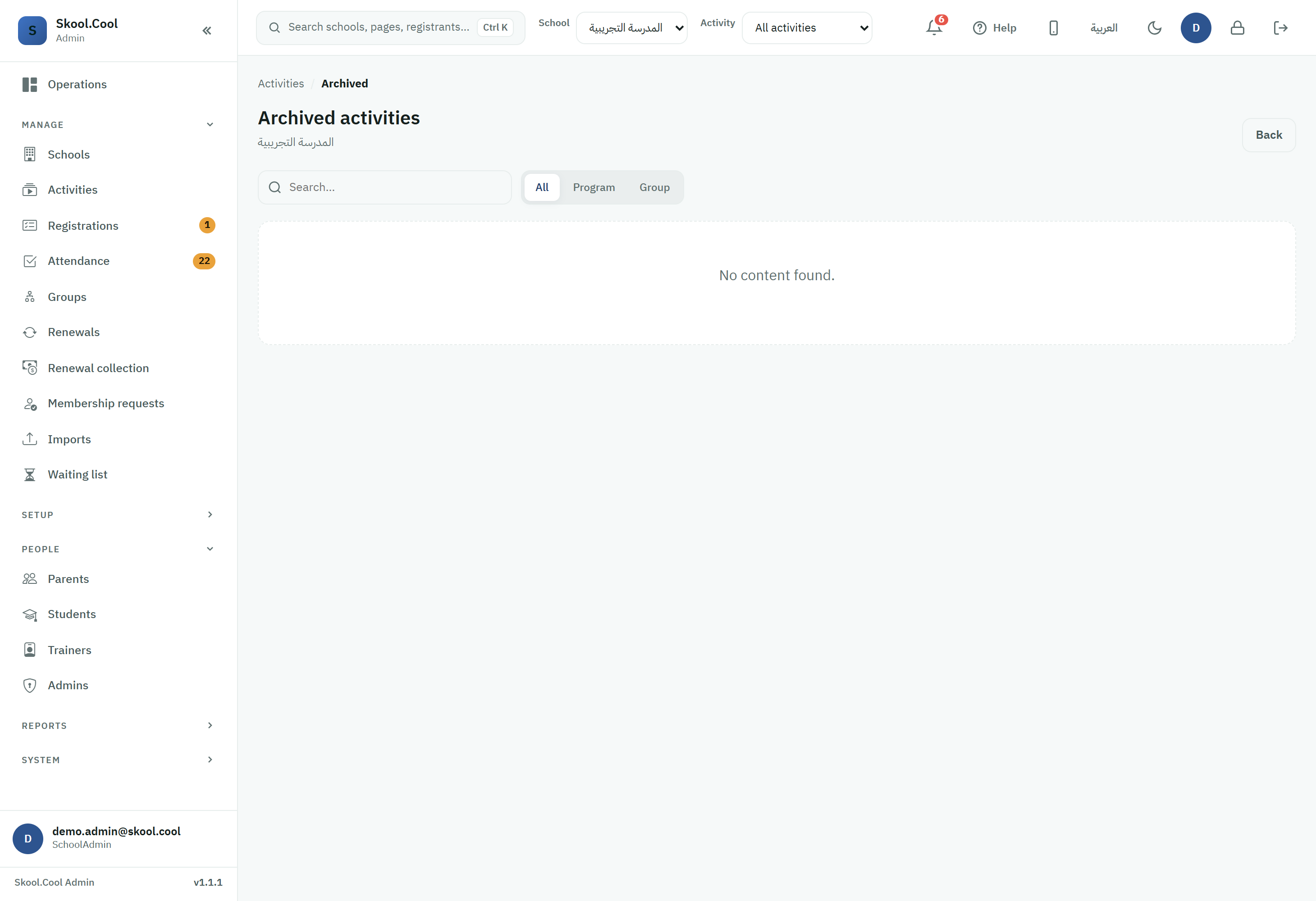
Sidebar > Activities > the Archived tab (next to the Open and Closed tabs). There is also a dedicated Archived activities page.
1. The edit-lock rules
To keep confirmed registrations and attendance records from contradicting each other, the system locks particular fields on the edit-activity screen as soon as registrations exist — it does not lock the whole activity, only these fields:
| Field | When does it lock? | Behaviour once locked |
|---|---|---|
| Payment methods | As soon as the activity has any registrations | The payment options become read-only and cannot be changed 🚫 |
| The dates (Start date / End date), the Activity location and the Schedule | Once families are actually registered | Locked 🚫 — except for anyone with the permission to edit dates and the schedule after registrations, for whom they become editable with a warning that saving will notify the families in the app ⚠️ |
| A session with recorded attendance | As soon as that session's attendance is taken | Locked permanently for everyone 🚫 (attendance is a historical record, even for those with edit permission) |
| Every other field (name, description, Capacity, Fees (SAR), gender, level, age ranges, trainers, and so on) | — | Stays editable at any time ✅ |
Why are these fields locked?
- Payment methods: changing how people pay after parents have already chosen at registration could break their existing requests or the online gateway's settlements, so they are fixed as soon as the first registration exists.
- Dates, location and the schedule: while families are actually registered, changing the activity's times or place affects their plans; so editing is locked by default and opened only to those with the specific permission, with the families notified on save.
- Sessions with recorded attendance: once a session's attendance is taken it locks, because an attendance record is a historical statement that is not rewritten — even while the activity is still running.
See Scheduling weekly sessions and Setting fees and capacity for details of these fields.
2. Archiving activities (the Archived tab)
The system offers no permanent deletion of activities, in keeping with data retention and to make financial and administrative auditing straightforward. Instead of being deleted, old activities move to the Archived tab.
How does an activity reach Archived?
- Automatically once the activity's End date has passed — it leaves current work and moves to the archive.
- Manually when the activity is closed with the Close activity action; it moves to Archived marked Cancelled. Note: an activity cannot be closed while it has active registrations, registrations Awaiting payment, or people on the waiting list, until those are transferred or cancelled first — see Transferring a student and The activity lifecycle.
What can you do with an archived activity?
- Still available: viewing Details, opening Registrations, reviewing the Schedule and Attendance, and adding a new Extended activity.
- Not available from the archive: editing the activity's core fields, publishing it to parents, or closing it again. A cancelled (closed) activity is frozen and cannot be edited at all.
- Every report, attendance record and financial receipt stays saved and available whenever you need it.
- Every group in the list shows the program it belongs to under its name — Part of followed by the program's name — even when the program is still running, or is archived but not listed next to it. The program's name opens its details page if you are allowed to view activity details.
Frequently asked questions
Why can I not change the payment methods or the dates once registrations have started? Payment methods lock as soon as the activity has any registration, to protect the existing requests, and the dates and the Schedule lock while families are actually registered. To change the dates anyway you need the permission to edit dates and the schedule after registrations, and you will see a warning that saving will notify the families. Details in Scheduling weekly sessions.
Where do I find finished or archived activities? From Activities, open the Archived tab (or the dedicated Archived activities page). Activities arrive there automatically once their end date has passed, or manually when they are closed. See The activity lifecycle.
How do I move a running activity to the archive? Use the Close activity action from the activity's panel. If it has active registrations or ones Awaiting payment, transfer or cancel them first through Transferring a student, then close the activity.
What can I do with an archived activity? You can view Details, open Registrations, review the Schedule and Attendance, and use Add Extended Activity. Editing the core fields and publishing are not available from the archive, and every record stays saved.